What is Google Business Profile Actually
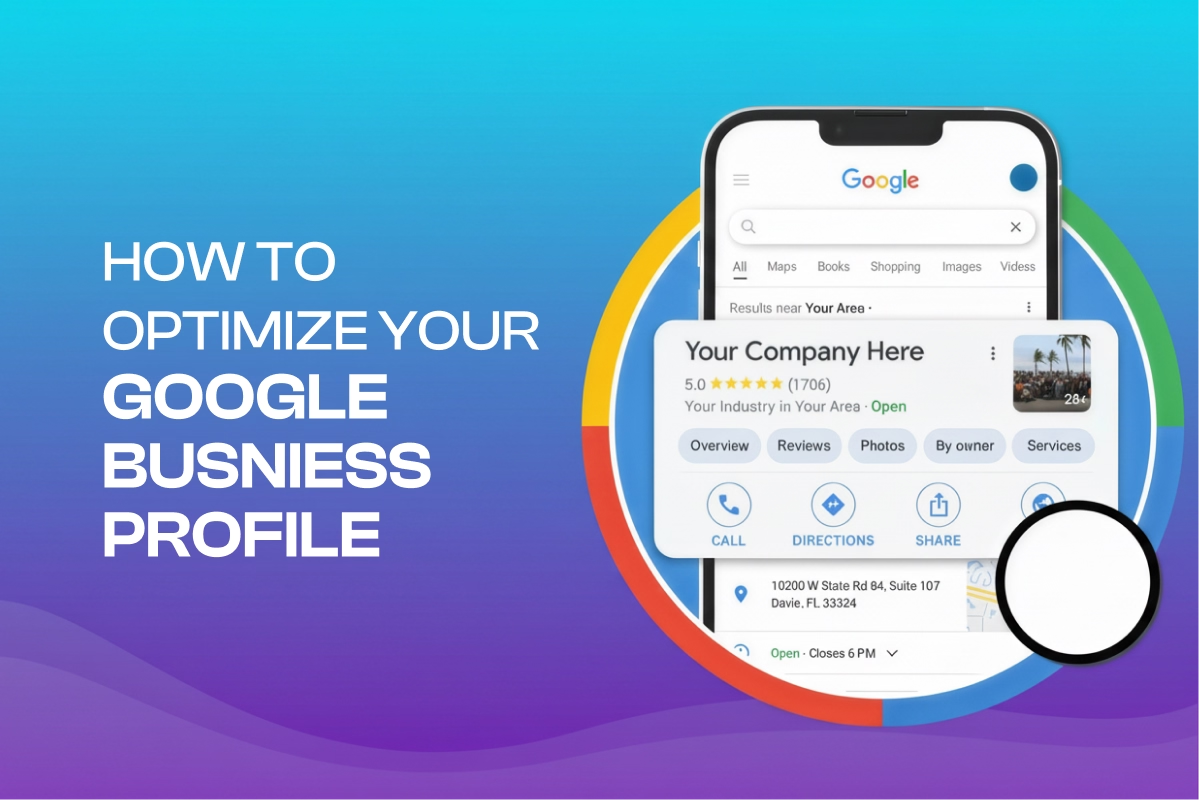
Google Business Profile is a free, verified online listing that displays a business’s name, location, hours, and services directly on Google Search and Google Maps. It helps local customers find and choose that business.
It is known as Google My Business (GMB), which was rebranded in 2021. It covers three core surfaces:
- Google Search results
- The Local Pack (map results)
- Google Maps itself
The tool centralizes your NAP information, details, photos, reviews, posts, services, and Q&A history into a single, searchable profile.
Business owners can manage it through Business Profile Manager, Google Search, or Google Maps.
You can optimize both physical storefronts and service-area businesses (SABs), but with different address display options depending on your business type.
Why Dental Google Business Profile Optimization Matters to Improve Visibility in 2026
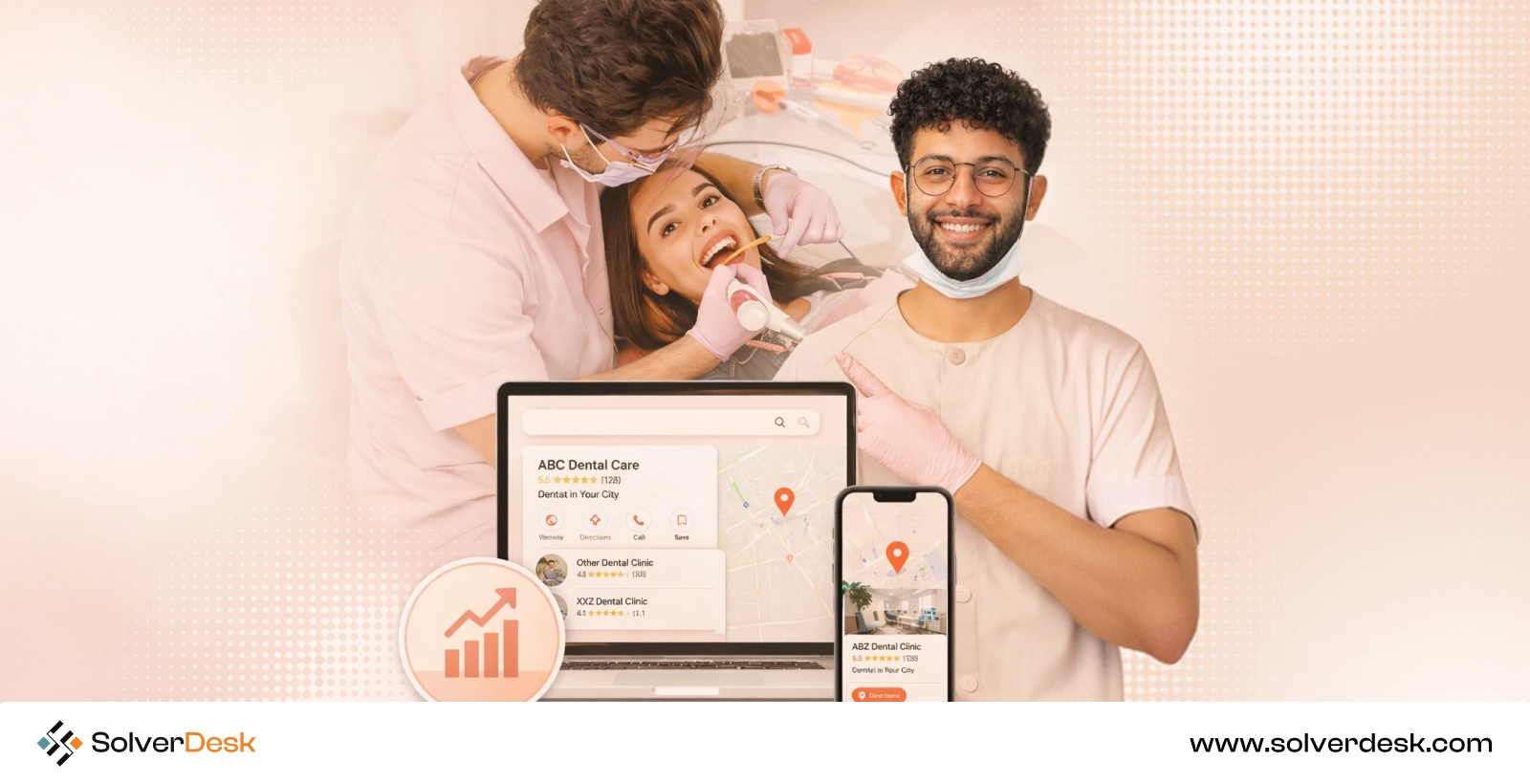
A well-optimized Google Business Profile is the effective way to appear for your dental practice in high-intent local searches. It strengthens Google’s understanding of your treatments that convert nearby patients into booked appointments.
Have a look at how it helps here:
Capture High-Intent Patients
Patients are no longer searching for a generic dentist. Instead, they search with specific needs like emergency dentist near me, dental implants, or Invisalign provider.
Google reports that 76% of people who perform a nearby smartphone search visit a business within 24 hours.
With a well-optimized Google Business Profile, you can ensure your practice appears for those local searches.
Build Patient Trust
Patients no longer choose a dentist randomly. They check star ratings, read recent reviews, and scan photos before deciding whether the practice is credible.
Reports say that 88% of consumers trust online reviews as much as personal recommendations from friends or family. With a well-optimized Google Business Profile, you can ensure your practice builds that trust before a patient ever calls or visits.
Win the Local Map Pack
Most patients rarely scroll beyond the top three businesses when they search for a service. You will see these map listings appear above the traditional organic search results. A report says that Google’s Local Pack receives 126% more traffic and 93% more actions like calls or bookings.
By optimizing your Google Business Profile, you can ensure your practices appear here by enhancing factors such as relevance, distance, prominence, and review quality. It gives your dental practice a much better chance of earning one of these highly visible positions.
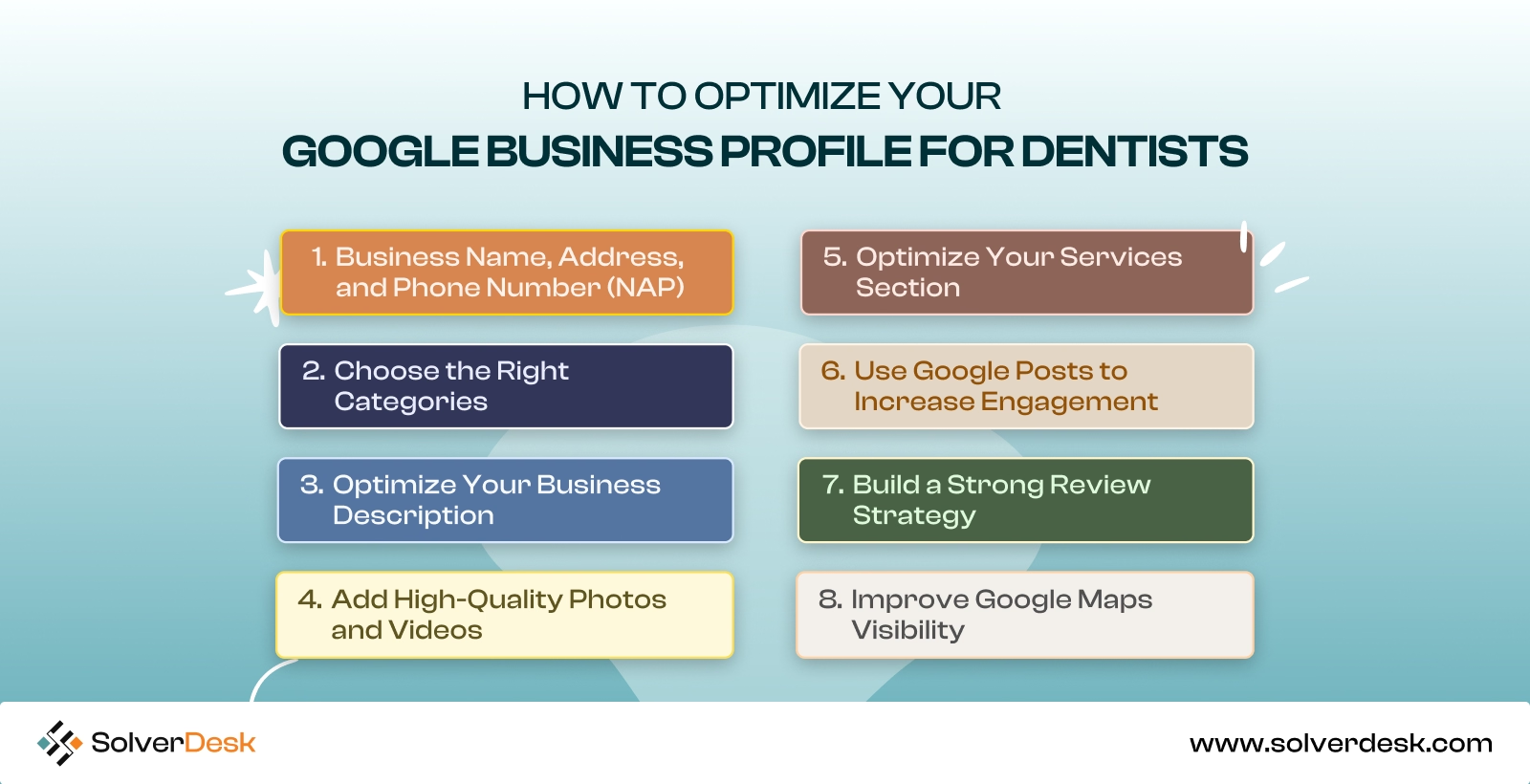
How to Optimize Your Google Business Profile for Dentists
Step 1: Business Name, Address, and Phone Number (NAP)
As for the first step, you have to ensure a well-organized profile, as completeness can ensure up to 7x more clicks and 70% more in-store visits compared to if you have left it unchecked.
Through this, you are likely giving signals about your dental practice and specialties.
- Start by filling every section with the details that match your practice and specific patient searches.
- Match your name exactly to your sign, license, and website. The good news is that Google now allows credentials like “Dr. Emily Carter, DDS” for licensed professionals.
- Add location and service areas carefully. If you are at multiple locations, make sure each has its own listing with its own address and suite number. Note that Google verifies these against your dental board license.
- Next, check your NAP against Healthgrades, Zocdoc, and your insurance directories monthly. According to BrightLocal research, Practices with consistent NAP across directories are 40% more likely to appear in the local pack.
- Ensure you use a local phone number. It should not be a tracking or toll-free line, since it should ring directly to your front desk.
- Finally, complete every attribute like appointment URL, insurance information, business hours, holiday hours, and accessibility options.
Step 2: Choose the Right Categories
The right categories for your business are the core thing that helps decide which searches trigger your listing, more than almost any other field.
According to research, 86% of profile views come from category-based searches. It is not your business name.
Now, from a dental perspective, there are some important considerations:
The primary category should match your core identity. In this instance, you have to think beyond just adding Dentist. This would be “Cosmetic Dentist,” “Pediatric Dentist,” or “Orthodontist.”
Now, coming to the remaining slots, fill them with secondary categories most relevant to your real services. For instance:
- Teeth Whitening Service
- Emergency Dental Service
- Denture Care Center
- Dental Implants Periodontist
- Dental Clinic
- Dental Hygienist
- Endodontist
- Periodontist
- Prosthodontist
- Oral Surgeon
- Oral and Maxillofacial Surgeon
- Cosmetic Dentist
- Dental Radiology Clinic
- Emergency Dentist
- Dental Laboratory
Note:
Google allows up to ten categories total, one primary and nine secondary. You have to check which categories competitors in the map pack use. If doing this feels overwhelming, an experienced local SEO specialist can handle the audit and selection for you.
Step 3: Optimize Your Business Description
According to a report from Google itself, customers are 2.7 times more likely to consider a business “reputable” when they see a complete profile compared to an incomplete one.
And without an enhanced business description for your dental practice, it will remain incomplete.
This is your chance to make your practice stand apart. Here is exactly what to do:
- Write a 250-character opening that stands alone, then a 500-character extension for extra detail. Remember, Google only shows the first 250 characters before “More.”
- Ensure you place your primary keyword within the first 100 characters. You can mention “family dentist” or “cosmetic dentist.”
- Also name your city within the first 250 characters.
- Add insurance acceptance in the opening lines. Include one clear differentiator. This could be years in practice, a specialty, or technology you use such as CBCT scanning, digital X-rays, intraoral scanners, laser dentistry, or same-day CEREC crowns if your practice offers them.
- Also, you can mention patient-focused differentiators. Mention sedation dentistry, multilingual staff, flexible financing, online booking, or evening appointments.
- Use exact service names, not vague terms: “Invisalign,” “veneers,” “pediatric cleanings,” not “dental services.”
- Skip ALL CAPS and superlatives like “best dentist in town,” as these will violate guidelines.
- If you run multiple offices, write a distinct description for each location.
Step 4: Add High-Quality Photos and Videos
A Google Business Profile with strong photos is likely to get 42% more direction requests and 35% more website clicks than those without.
To be clear, it is not a direct ranking factor but an important ranking and conversion signal. However, according to Google’s recommendations, you need to add category-specific photos that highlight what customers use to decide.
Here is what you can do:
- Shoot your exterior first. Google’s Help Center confirms an exterior photo helps customers recognize your business when they arrive.
- Make sure to photograph real equipment and rooms. It should never be stock images.
- Upload at least 10–15 images, minimum 720×720 px, ideally 1200×900 px or higher. Also, you have to set your cover photo to 1332×750 px.
- You can add before-and-after smile photos. Many reports say that practices showcasing smile makeovers see patient inquiries increase by up to 40%.
- But ensure you get written patient consent before posting any photo showing a patient’s face. This is a HIPAA consideration specific to healthcare listings.
- Above all, add new photos every two weeks minimum.
Step 5: Optimize Your Services Section
This is another most important part of a Google Business Profile optimization for dental practices that you cannot miss at any cost. In 2026, Google Maps AI summaries pull directly from the service entries when someone searches for “does anyone nearby sell X.”
When patients search for specific treatments, Google directly fetches the information from the services offered here and presents it in AI Overviews.
However, start by adding every relevant predefined service first. Where you can add descriptions of up to 300 characters, keep every word purposeful.
List the actual procedures in the service list without any jargon or vague things. Example:
- pediatric cleanings
- emergency dental care
Coming to the description, cover what’s included, who it’s for, and one concrete benefit. For example:
“In-office LED whitening treatment. Teeth get 3–8 shades lighter in one 90-minute visit. You also get custom trays to use at home afterward.”
List a fixed price, a starting price, or leave it blank.
Step 6: Use Google Posts to Increase Engagement
Google Posts are another core element of the GBP profile optimization that keeps your profile active and gives Google the right signals about your dental practice.
Research also shows that fewer than 20% of businesses with GBP listings actively publish posts. So, definitely, there is a good competitive advantage to staying ahead of the other practices by publishing helpful posts.
Post 2–3 times per week if you have real content, where once a week is a solid minimum. You have to structure every GBP post the same way:
- Add the direct answer first, one supporting detail, then a call to action.
- Lead with your service and city in the first sentence. For example: “Dental implant consultations now available Tuesdays in [city].”
- Update posts for team news or new equipment.
- Offer posts for time-limited promotions, which get a visually distinct tag in search.
- Also, always attach a real photo and match your CTA to the content. For example: “Call Now” for emergency posts, “Book” for consultations, and “Learn More” for educational content.
Step 7: Build a Strong Review Strategy
Google reviews are today’s digital version of personal recommendations. Even more than that, reports say they account for 15–20% of local ranking signals for dentists, so you have to build a strong review strategy to build authority for your dental practice and manage reputation.
However, as per Google’s review policy, each review you receive should come from a genuine customer experience. You should never offer discounts, gifts, cash, or any other incentive in exchange for a review.
By doing so, you will violate Google’s guidelines and can result in review removals or restrictions on your entire GBP.
Here is what to do instead:
- Generate your official review link or QR code. It would be through Google’s own review request tool, found under “Get more reviews” in your profile dashboard.
- Just send the link via email, text, or a printed card at checkout.
- Ensure you reply to every review, but keep it short.
- Avoid confirming someone as a patient in a public reply.
- Expect a review delay on your replies. Google states replies typically take up to 10 minutes to approve, occasionally up to 30 days.
Step 8: Improve Google Maps Visibility
Google doesn’t rank a business based on its physical distance. Your office business location online and the city associated with your profile highly influence where you appear. Obviously, it is harder to rank in neighboring cities if you’re located near a city boundary.
Here’s what to do:
- Place your map pin as accurately as possible. For instance, zoom in all the way and drag the pin so it sits on your actual clinic entrance.
- Keep your practice listed as a storefront business. Don’t switch your profile to a service-area business, as this can confuse Google’s system.
- Ensure you add all relevant business categories.
- Add your own Street View or 360° images. Through that, Google better understands your practice location and allows your patients to have a virtual look.
- Finally, verify your map pin after any location change. If you move offices or even change suite numbers, double-check that your pin is still in the correct spot.
How Long Does Google Business Profile Optimization Take to Show Results?
You will notice initial improvements within 2 to 4 weeks. But for broader improvements in local rankings, Google Maps visibility, patient calls, and appointment bookings, you have to wait about 3 to 6 months, often up to 1 year, and do consistent optimization.
Have a quick overview in the table below:
| Optimization Type | Expected Timeframe |
| Verification & initial visibility | 5–14 days |
| Basic fixes (photos, description, categories) | 2–4 weeks |
| Review volume & response consistency | 1–3 months |
| Local Pack ranking (top 3 map results) | 3–6 months |
| Full ROI on sustained optimization | 6–12 months |
Make Advanced Dental Google Business Profile Optimization With Solver Desk
After all the discussion, I hope you have understood that managing a Google Business Profile takes more than simply filling out your business information.
Just a single wrong business category, inconsistent NAP details, or a keyword-stuffed business name can cause your dental practice to lose valuable visibility.
Moreover, most dentists are busy running their practice and caring for patients, so they don’t always have the time to keep up with Google’s constantly changing guidelines.
That’s where SolverDesk comes in. We’re a growth-focused digital marketing agency specializing in SEO, web development, and content strategy.
Starting from NAP audits across directories, category and service optimization, and review strategy systems, we handle everything that keeps your profile competitive. Ready to stop guessing and start ranking? Let SolverDesk audit your Google Business Profile today.
Frequently Asked Questions
Is Google Business Profile free for dentists?
Yes, it’s completely free. Google doesn’t charge anything to create, verify, or manage a Business Profile. There’s also no paid version that helps you rank higher. Instead, your visibility depends on how well you optimize your profile
How do I verify my dental practice on Google Business Profile?
Verification methods depend on your practice and location. Google may verify your dental practice through a mailed postcard, phone call, email, live video, or recorded video. But as of 2026, video verification has become the default for most new dental listings.